Expify
A document vault that tracks your documents' expiry dates and reminds you before they run out — your documents never reach our servers.
Screenshots
Expify scans documents with an expiry date — vehicle inspection, insurance, passport, driving licence and more — reads the date, and reminds you before it runs out. Nothing to track by hand.
Highlights
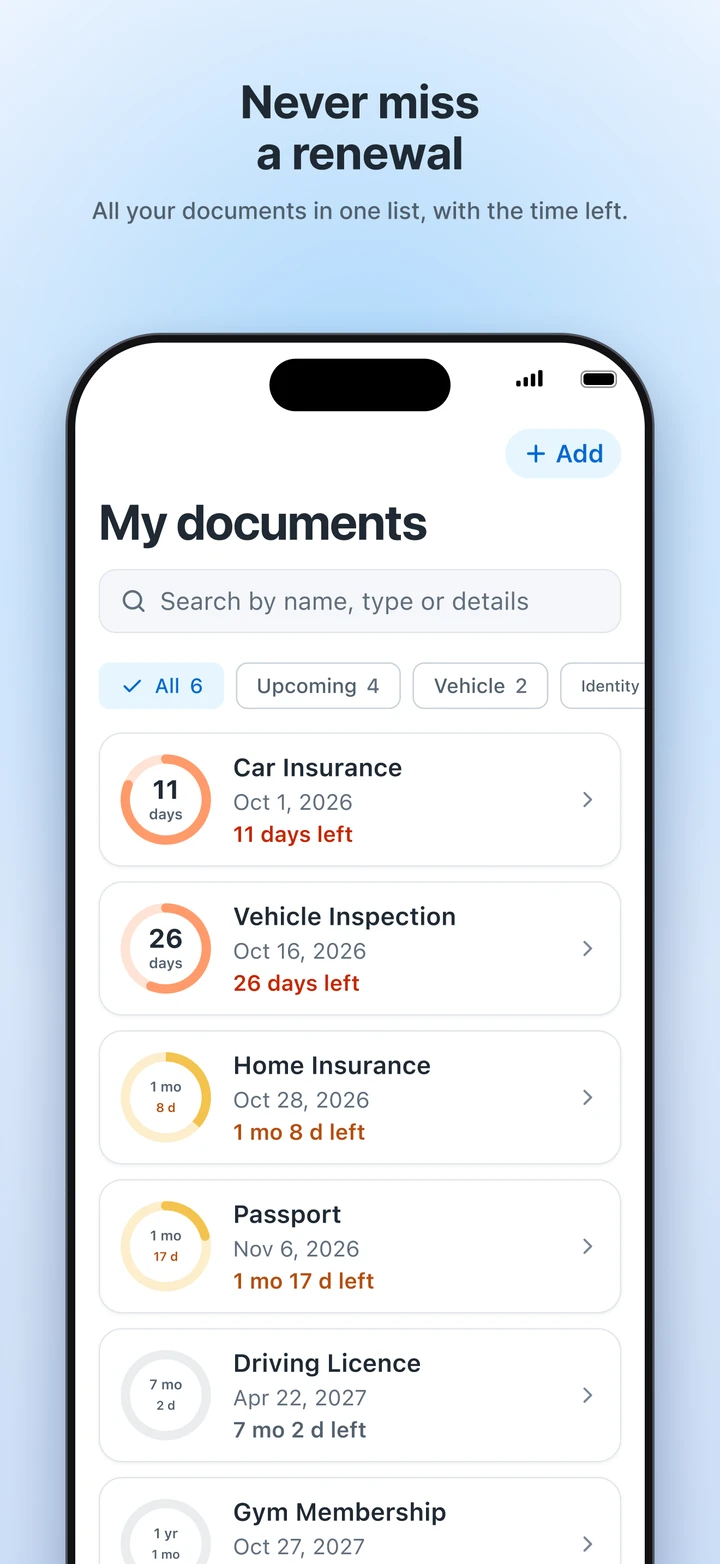
Never miss a renewal
Insurance, inspection, passport, driving licence… All your documents in one list, each with the time left.
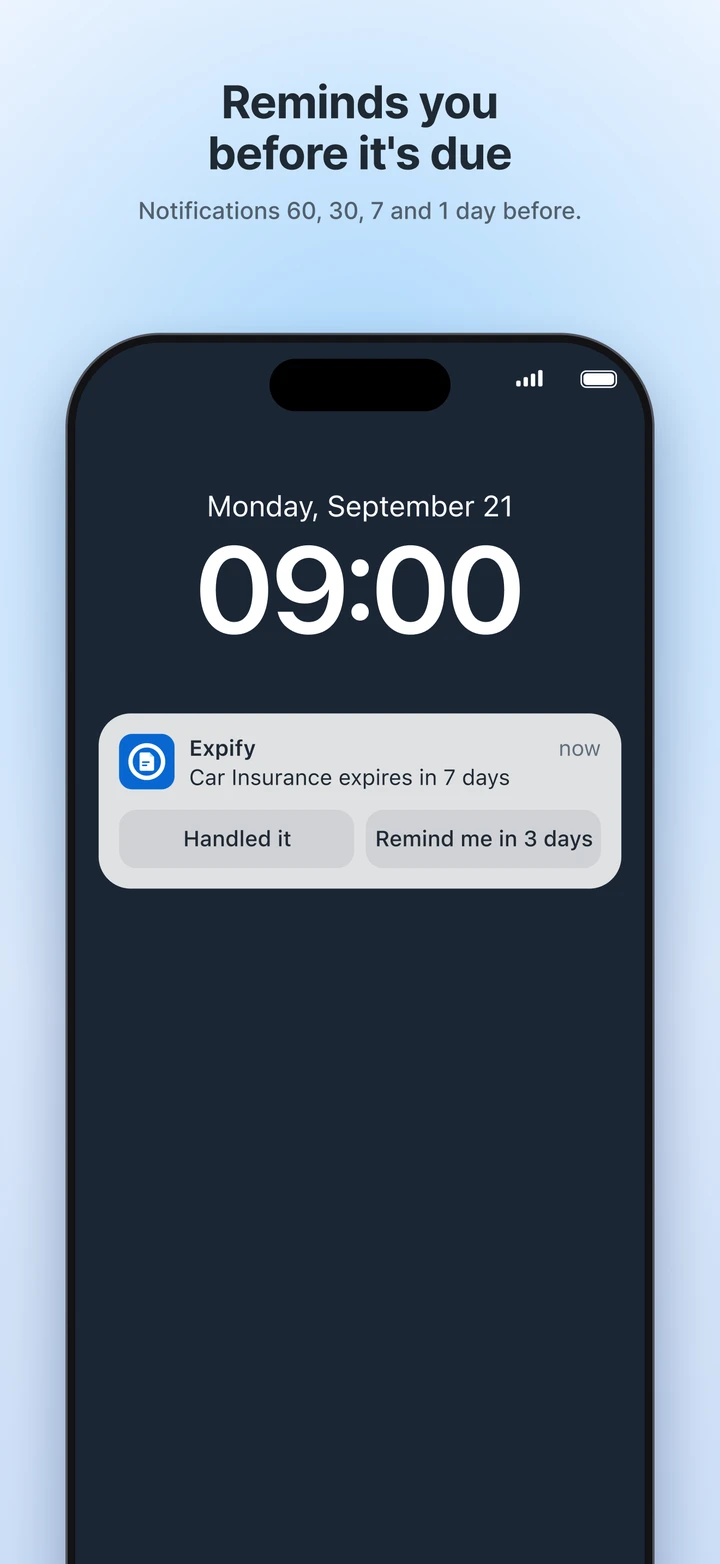
Reminds you before it's due
Notifications 60, 30, 7 or 1 day before — you choose which days. From the notification you can tap “Handled it” or “Remind me in 3 days”.
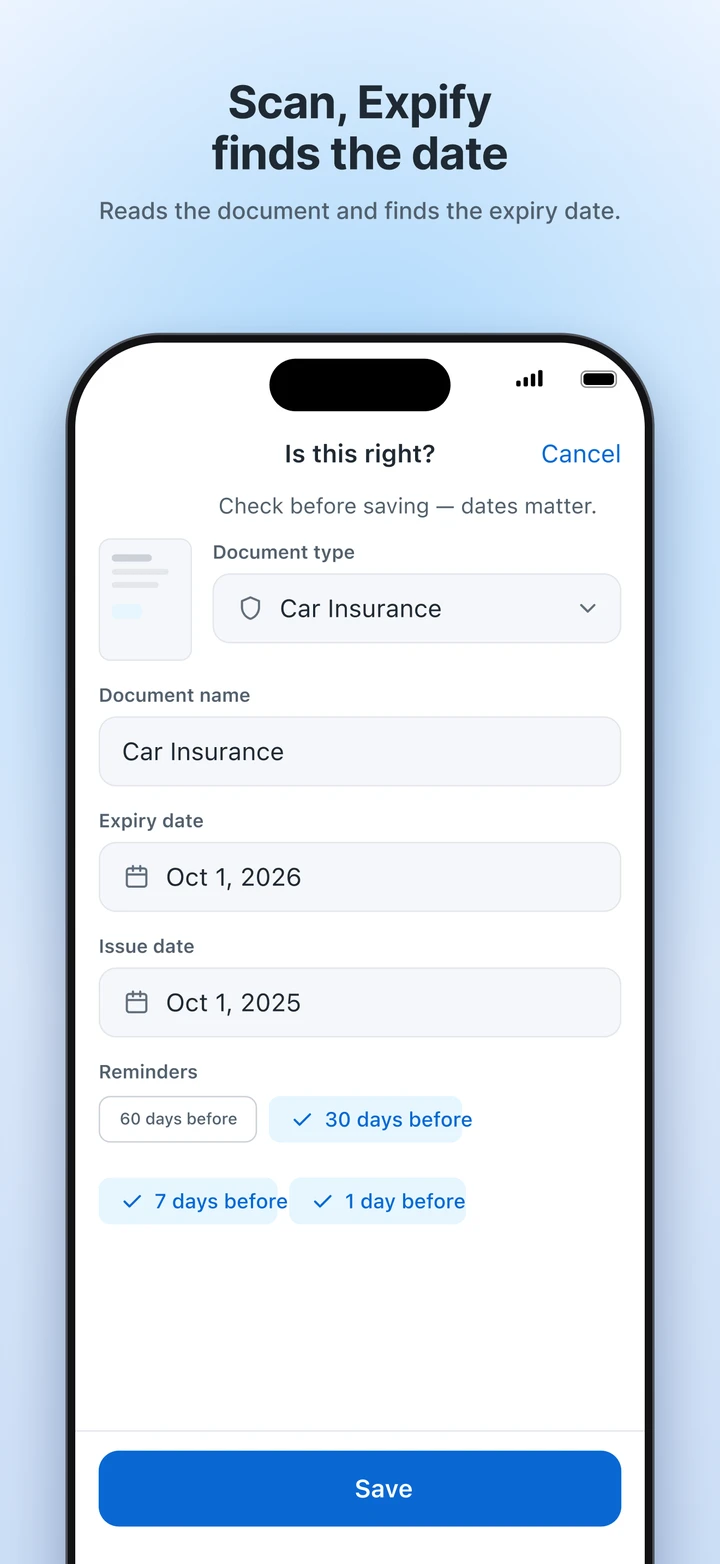
Scan, Expify finds the date
Scan the document with your camera; Expify reads its type and expiry date for you. You can check and correct it before saving.
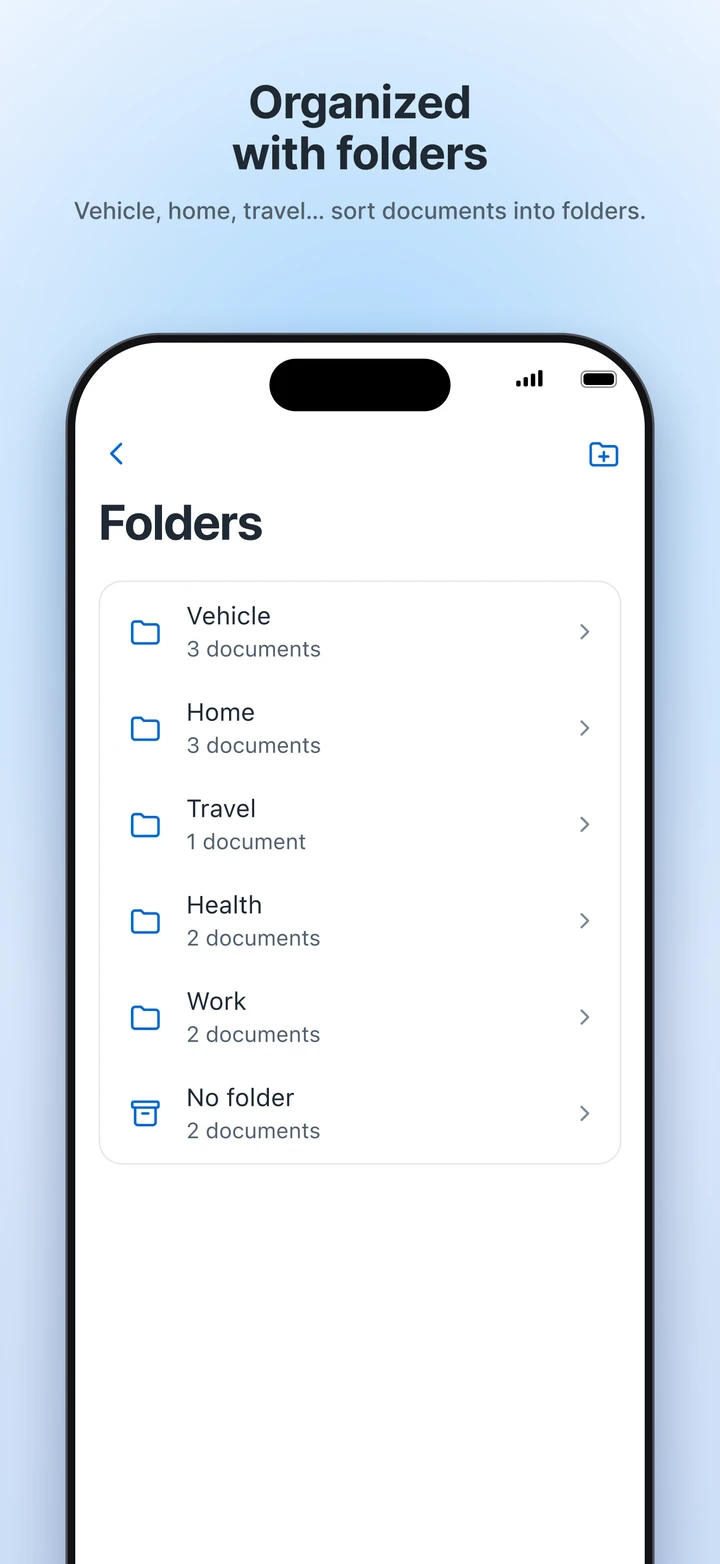
Organized with folders
Vehicle, home, travel… Sort documents into folders and find what you need right away. Creating folders comes with Premium.
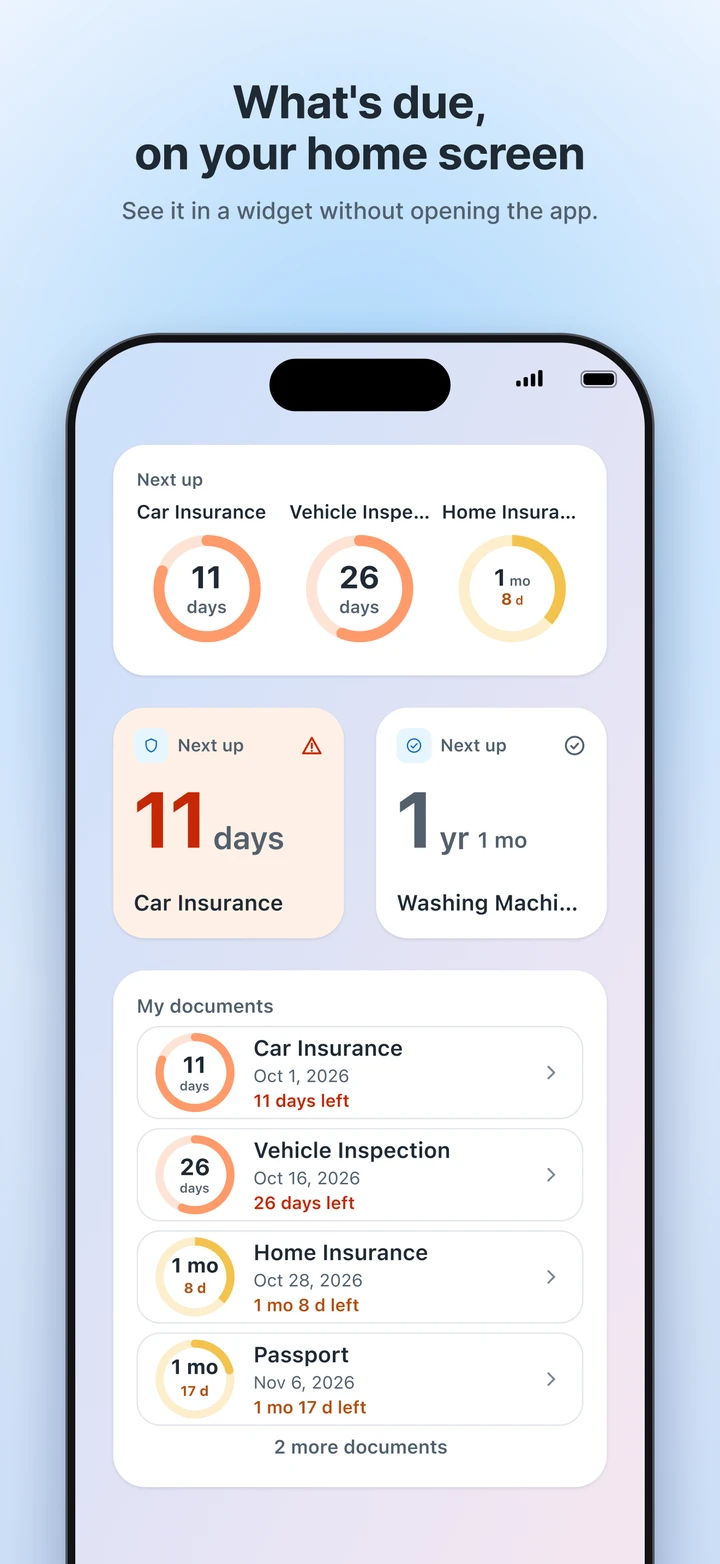
What's due, on your home screen
See which document is coming up in a widget, without opening the app.
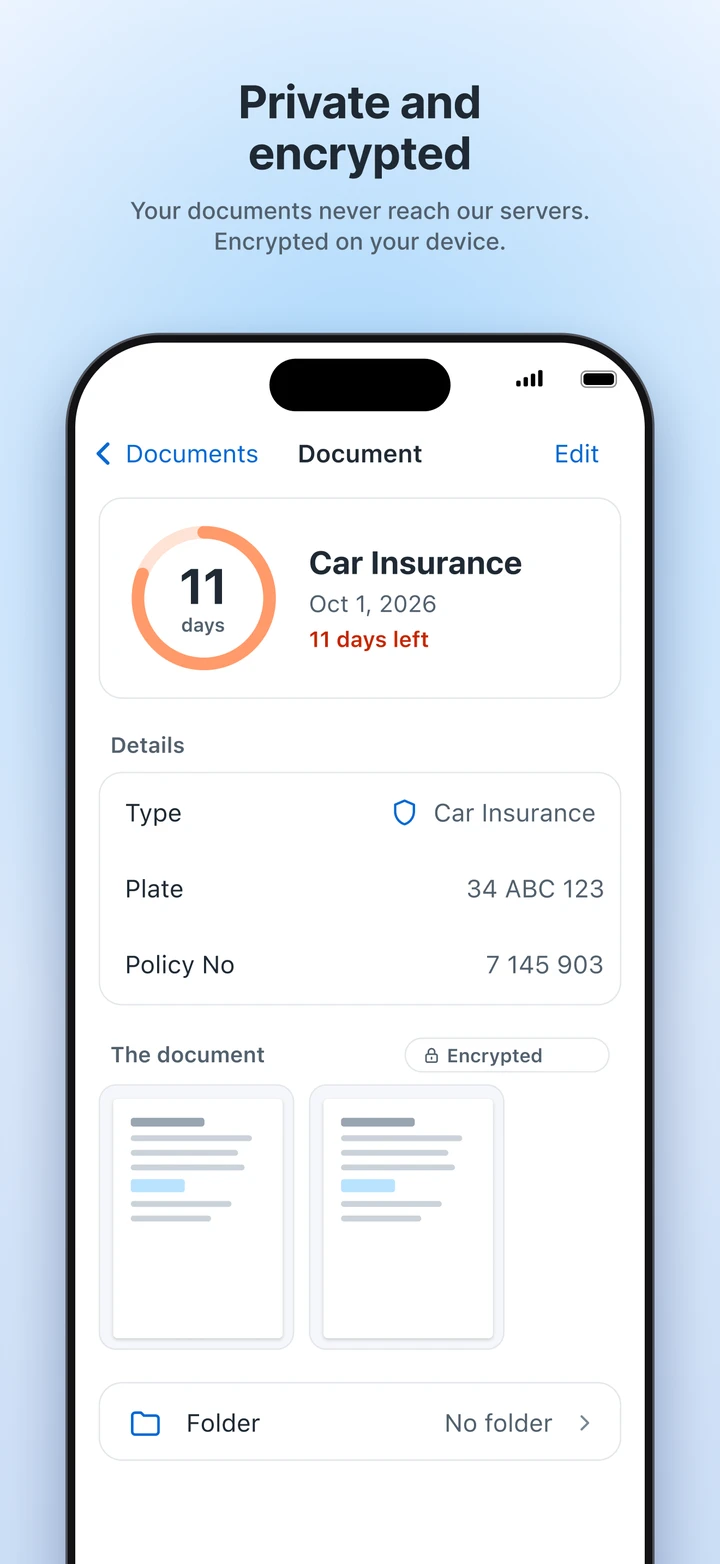
Private and encrypted
Document images are stored encrypted on your device, and the key never leaves it. You can also lock the app with Face ID or your fingerprint.
How it works
Scan
Take a photo of the document; Expify reads its type, name and expiry date.
Check
Review what was found, pick your reminder days and save.
Get notified in time
As the date gets closer, you get a notification. Once you renew, tap “I renewed it” — the old record moves to the archive and you add the new date.
Free and Premium
Free
- Up to 10 documents
- Scanning and automatic date detection
- Reminders and widget
- Export and password-protected backup
Premium
- Unlimited documents
- Folders
- Cross-device sync through your own iCloud or Google Drive account
- Monthly or yearly subscription, or a one-time lifetime purchase
If Premium ends, your documents and reminders keep working; only adding new documents is limited to 10.
Where your documents stay
Your documents never reach our servers. Documents, their images and the information extracted from them are stored on your device, and the images are encrypted.
If you turn on cross-device sync, your documents go to your own iCloud (iOS) or Google Drive (Android) account, not to us. Purchase status is verified with RevenueCat; on Android, the document scanning component (Google ML Kit) sends usage and diagnostic metrics to Google. Document content is never sent to any of them.